Flowboard
Trello's simplicity, ClickUp's hierarchy, one workspace.
A multi-tenant project-management SaaS — Trello's Kanban simplicity fused with ClickUp's hierarchy, four task views, and an in-app AI audit workflow that runs real Claude calls.
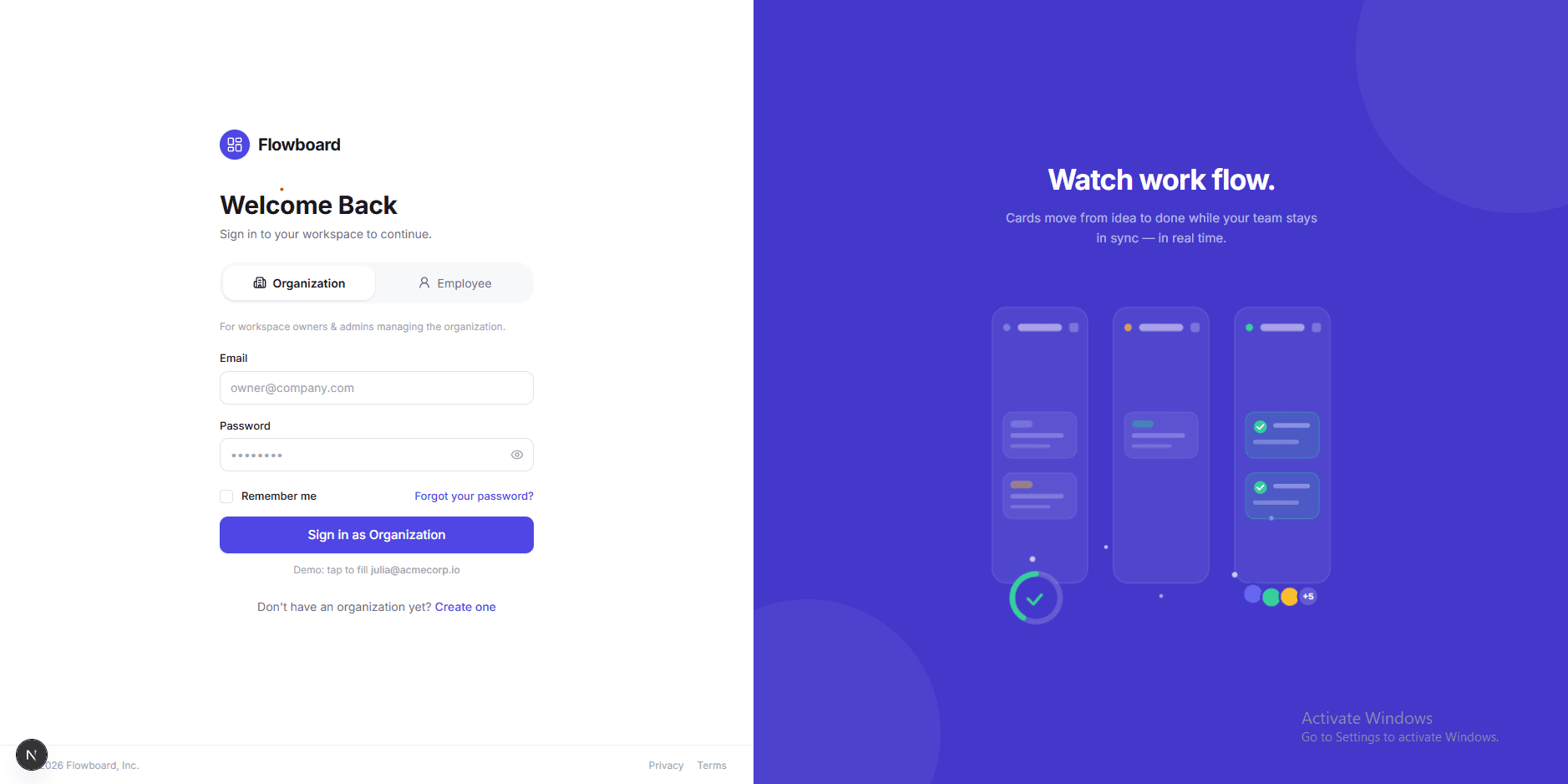
01Trello is too simple. ClickUp is too much.
Most small teams end up choosing between a Kanban board that can't model hierarchy, and a do-everything tool that takes a week to configure. Flowboard's brief was to fuse the two: a Client → Project → Task structure underneath, with the drag-and-drop simplicity of a board on top.
The frontend is built as a clickable, production-grade product — seventeen routes, full role-based access, and four different ways to look at the same tasks — running entirely against a typed mock data layer so a real backend can be dropped in without touching a single component.
02Organizations, roles, and a real permission matrix
Every workspace lives at /o/{slug} and enforces a five-level role chain — Owner, Admin, Lead, Member, Guest — at the UI layer: sidebar items, project creation, member management, and exports all check the signed-in role before rendering. Leads can create projects and pull reports; Members can only work the tasks assigned to them.
On top of that sits a Client → Project → Team hierarchy: clients own projects, and projects own a Kanban board plus a roster of members with project-specific roles like CRO Lead, Designer, Developer, and QA.
03One task, four views
The same task data renders as a drag-and-drop Kanban board, a grouped list with inline editing, a draggable Gantt timeline, and a month calendar — plus a weekly bandwidth sheet where the team logs hours per client and exports a ready-to-send CSV.
Tasks carry subtasks, multi-checklist progress bars, time estimates versus logged hours, markdown comments with an emoji picker, and a full activity feed — the depth a real PM tool needs, not a toy board.
04An AI assistant that actually runs
A floating command bar handles natural-language task creation and project Q&A through a hybrid engine — deterministic local actions first, with an optional LLM key for real answers. Global fuzzy search sits behind Cmd/Ctrl-K.
The deeper experiment is the one-time audit workflow: a 14-step, four-phase SOP turned into an interactive per-project checklist. Several of those steps call Anthropic's Claude directly through a server-side route — the API key never reaches the browser — with a user-selectable model and progress that persists across reloads.
What it does
Multi-org RBAC
Five roles enforced at the UI layer — sidebar, project creation, reporting, and exports all gate on the signed-in role.
Client → Project → Task
Clients own projects; projects own a board, a team, and per-member project roles.
Four task views
Kanban, grouped list, Gantt timeline, and month calendar over the same underlying tasks.
Bandwidth & CSV export
A Mon–Fri capacity sheet logging hours per client, with Excel-ready CSV export.
AI command bar
Natural-language task creation and Q&A, with a deterministic local fallback when no LLM key is set.
Claude-powered audit runner
A 14-step audit SOP with a server-side Anthropic route — model picker, persisted progress, key never exposed to the client.
Under the hood
Frontend
State
Planned API
AI